Folders, sharing & members
Folders
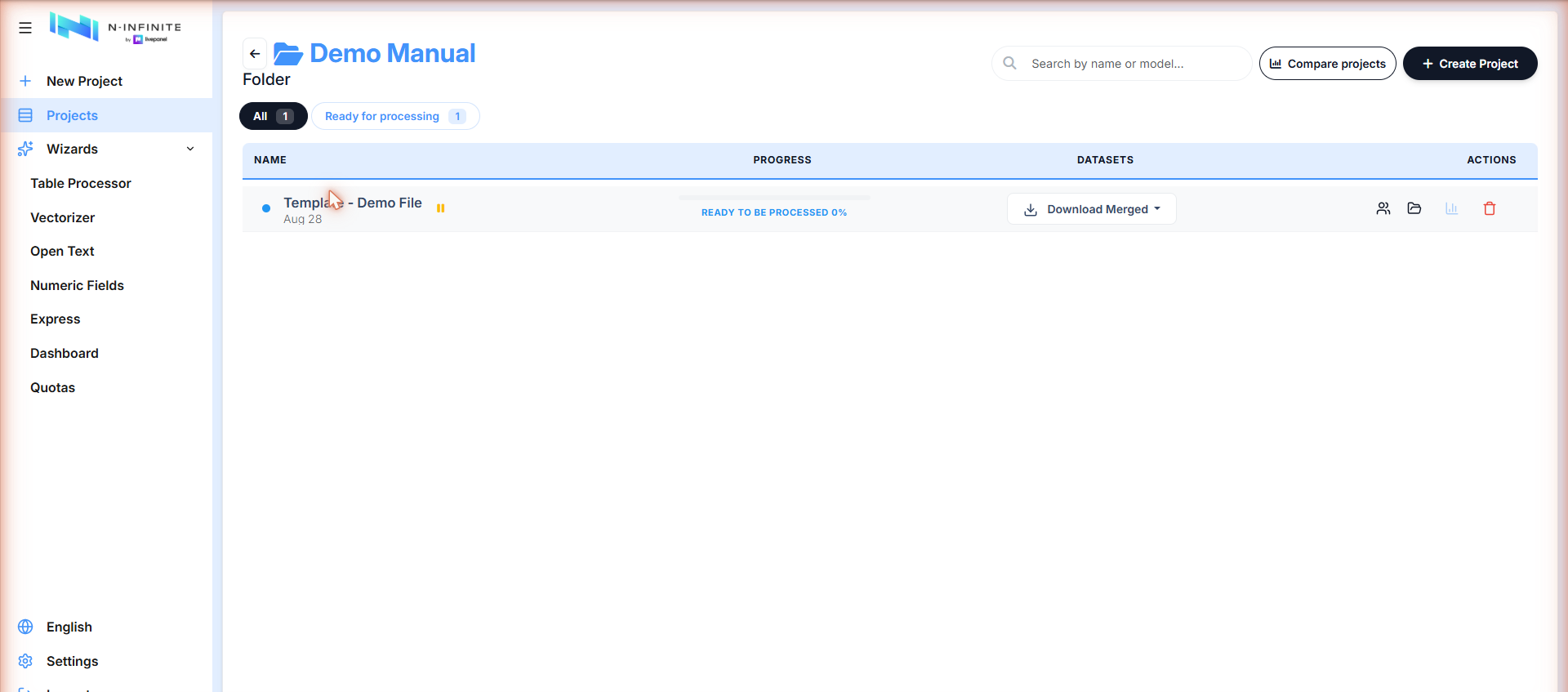
Projects are organized in folders. Create them from the Projects list (New folder) or on the fly when creating a project. A folder row shows how many projects it holds and how many are active:
Sharing a project
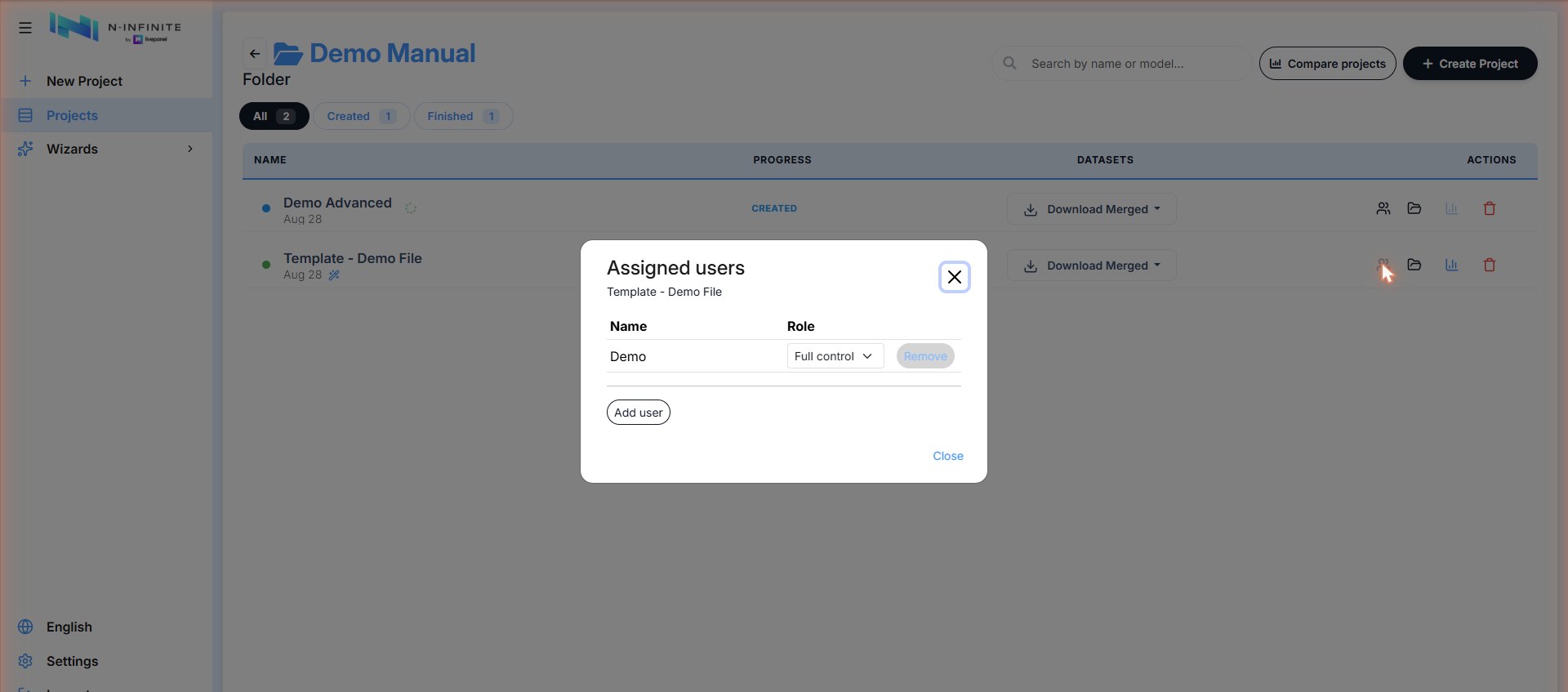
The people icon in a project row opens Assigned users — add users and set their role (e.g. Full control) per project:
Organization members
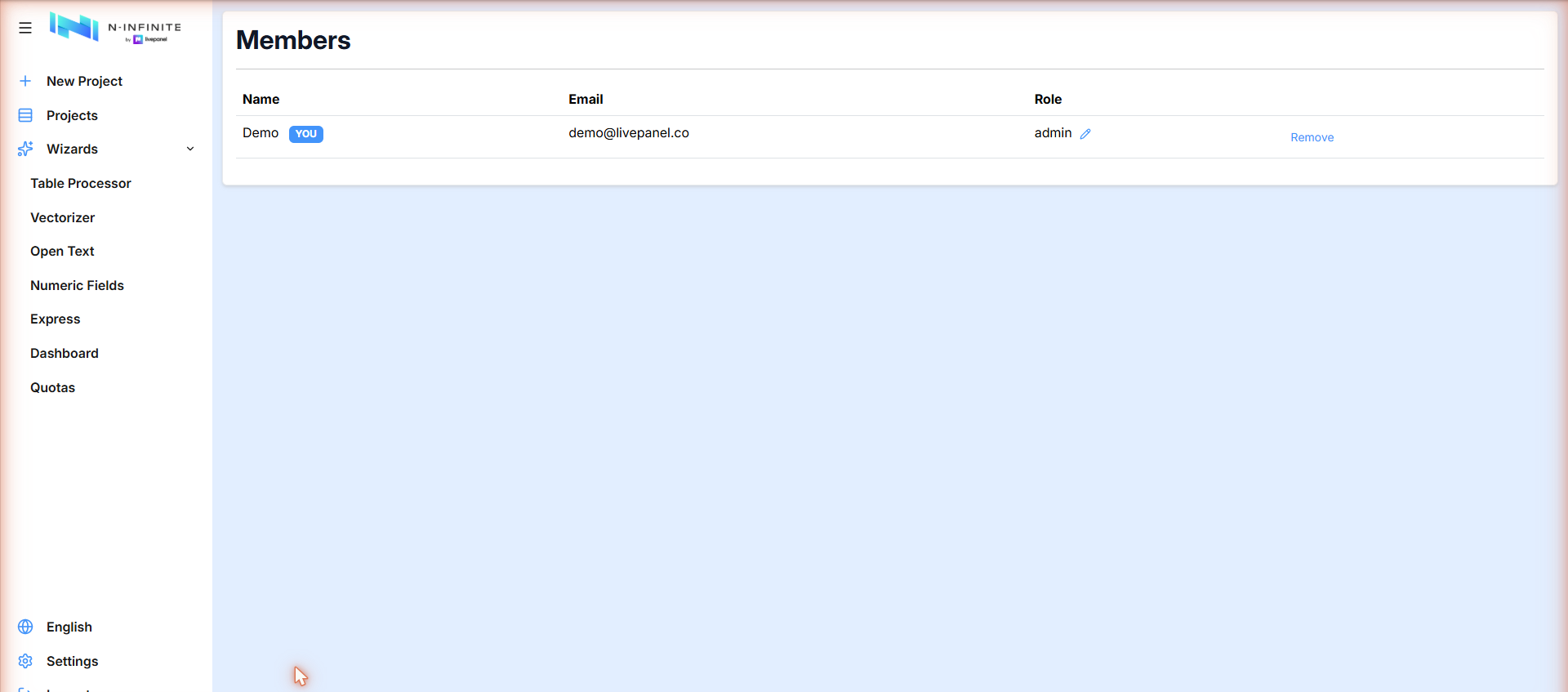
Settings → Members lists everyone in your organization with their role. Admins can change roles or remove members: