Getting started
Logging in
Open app.ninfinite.studio and sign in with your corporate email and password (use Reset password if you forgot it). You can also create a user or sign in through a Google account — in both cases these are demo accounts with the lowest privilege level for file creation: contact the n-Infinite team to activate the privileges that correspond to your organization's contract.
The interface
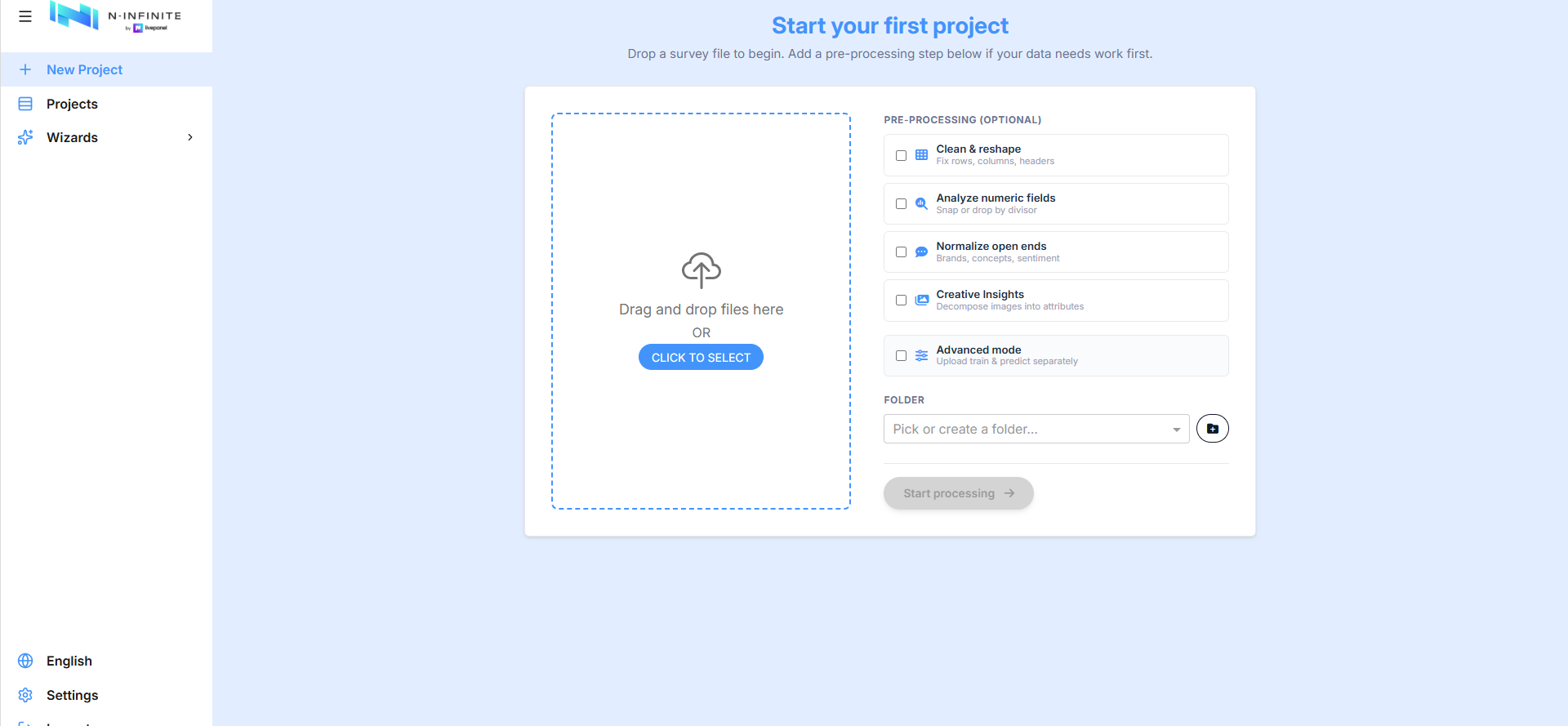
The left sidebar is the main navigation:
| Item | What it does |
|---|---|
| New Project | Upload a survey file and start a synthetic data project |
| Projects | All your projects and folders, with progress and downloads |
| Language | Switch the interface between English, Español and Русский |
| Settings | Organization members and API access |
| Logout | End your session |
Changing the language
n-Infinite is currently available in three languages: English (default), Español and Русский, with more coming soon. Click the language entry at the bottom of the sidebar to switch — the whole interface changes immediately.